

Latest Version
Ubiquiti Inc.
Internet
iOS
Free
1385561119
Report a Problem
More About Ubiquiti WiFiman
Picture this: you are in the middle of an important video conference or a crucial online match, and suddenly your connection drops, leaving you staring at a frozen screen and a spinning loading wheel. Wireless interference and hidden network congestion are silent productivity killers in modern homes and offices. Fortunately, the Ubiquiti WiFiman network analyzer is designed to diagnose these exact issues and restore your wireless performance without any intrusive ads.
Instant Wireless Discovery and Subnet Scanning
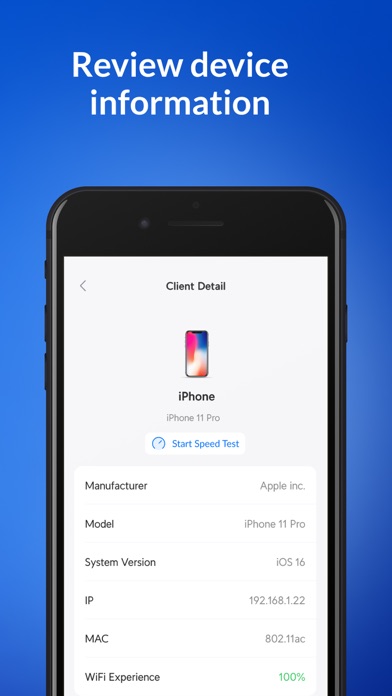
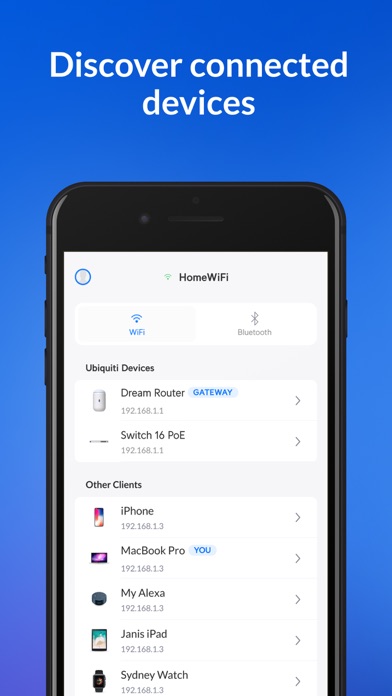
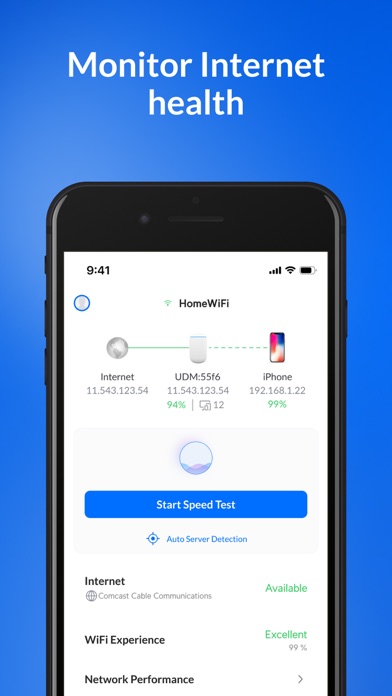
One of the standout capabilities of this utility is its deep network discovery engine. When you launch the app on your iOS device, it immediately maps out your local environment. Using advanced protocols like Bonjour, SNMP, NetBIOS, and Ubiquiti's proprietary discovery systems, the tool scans your subnet to identify every connected hardware client. This gives you a clear, transparent view of exactly who and what is utilizing your bandwidth.
Diagnostic Speed Tests and Channel Optimization
The Ubiquiti WiFiman network analyzer simplifies troubleshooting through several core features:
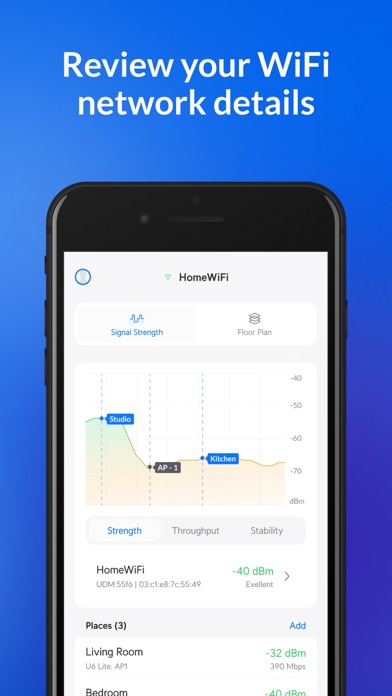
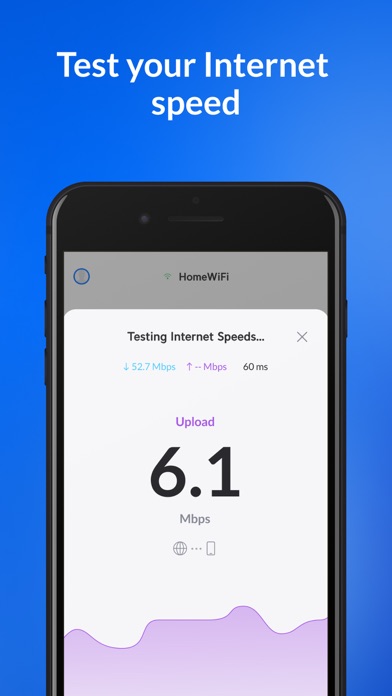
- Real-Time Performance Metrics: Conduct rapid download and upload speed tests to benchmark your current throughput and archive historical results for easy comparison.
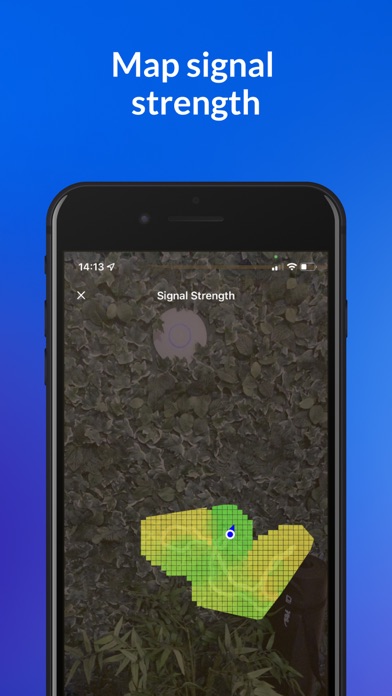
- Spectrum Clutter Reduction: Identify crowded wireless channels and find the optimal physical placement for your access points to maximize signal strength.
- Teleport VPN Integration: Establish a secure, remote connection back to your home or office UniFi network seamlessly while on public Wi-Fi.
Who Benefits Most From This Utility?
Whether you are an IT professional managing a corporate workspace or a homeowner trying to eliminate wireless dead zones, this application offers enterprise-grade diagnostics in an accessible interface. It strips away the complexity of network analysis, making it simple to pinpoint physical interference, rogue devices, or ISP throttling.
A Clean, Ad-Free Networking Companion
Unlike many free diagnostic tools that clutter your screen with pop-ups, Ubiquiti Inc. provides a completely ad-free experience. If you are ready to take control of your local environment, you can explore the official App Store page to find out how the Ubiquiti WiFiman network analyzer can elevate your connection.
Rate the App
User Reviews













Popular Apps









Editor's Choice