

Latest Version
ComcSoft Corporation
Internet
iOS
Free
561659975
Report a Problem
More About iNetTools - Ping,DNS,Port Scan
A Pocket-Sized Network Diagnostic Suite for iOS
Finding the root cause of a network disruption usually requires a desktop terminal, but the iNetTools - Ping,DNS,Port Scan app changes that dynamic entirely. What makes this utility stand out is its ability to pack a comprehensive suite of professional-grade diagnostic tools into a clean, highly accessible mobile interface. Developed by ComcSoft Corporation, it serves as an indispensable companion for system administrators, network engineers, and tech-savvy users who need to troubleshoot connectivity issues on the go.
Core Diagnostic Utilities in One App
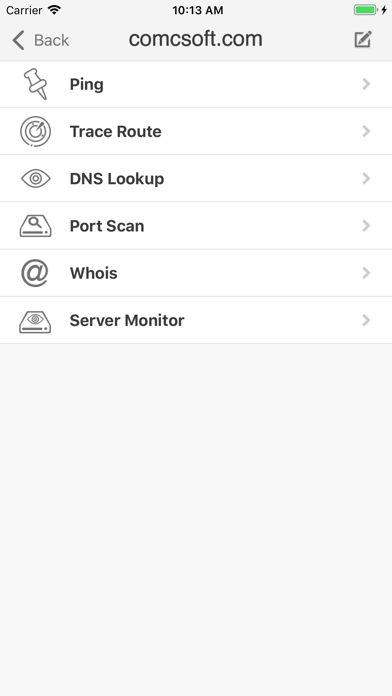
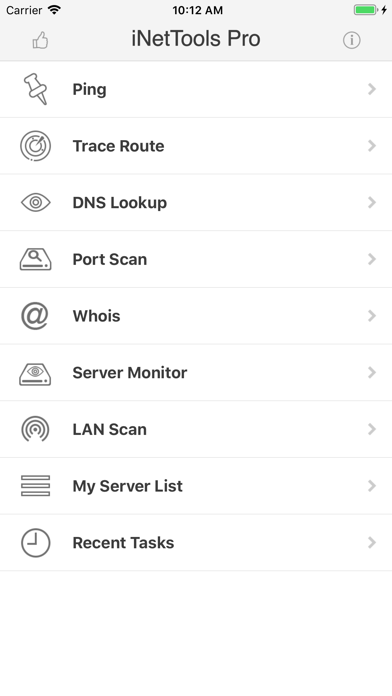
Instead of switching between multiple single-purpose utilities, iNetTools - Ping,DNS,Port Scan provides a unified environment for network analysis. The application supports both IPv4 and IPv6 protocols, ensuring compatibility with modern network infrastructures. Here are the primary tools included in the suite:
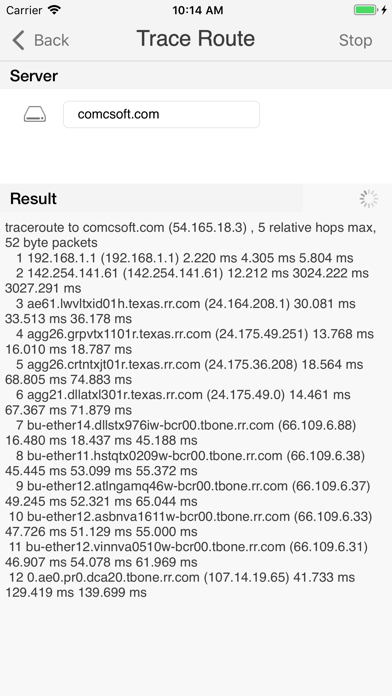
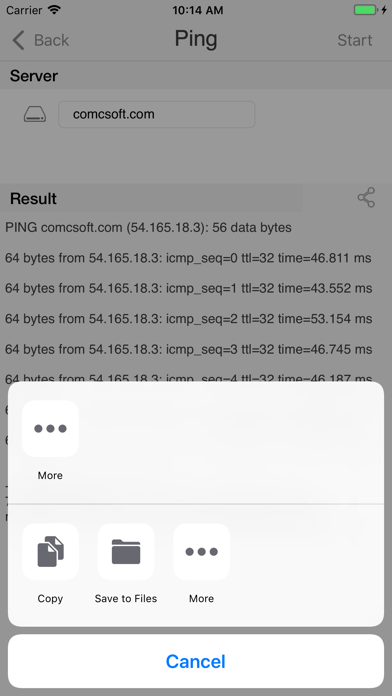
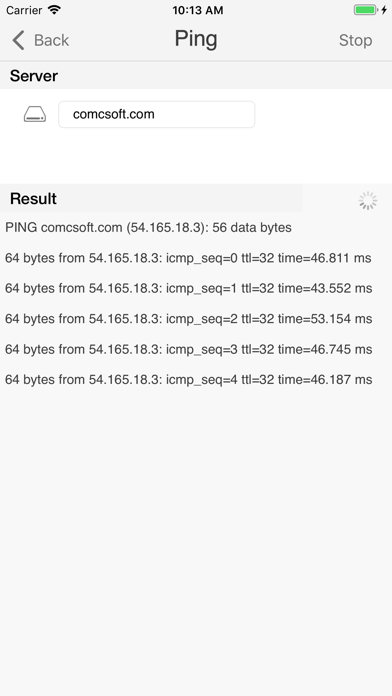
- Ping & Trace Route: Measure latency, verify host reachability, and map the exact path packets take across the network to identify routing bottlenecks.
- DNS Lookup: Query domain name servers to verify resource records and resolve domain translation issues quickly.
- Port Scan: Identify open ports on a target server to assess security configurations and service availability.
- Whois: Retrieve registration details and ownership information for domains directly from your mobile device.
- Lan Scan & Server Monitor: Discover active devices on your local network and keep a close eye on server uptime.
Designed for Efficiency and Repeat Troubleshooting
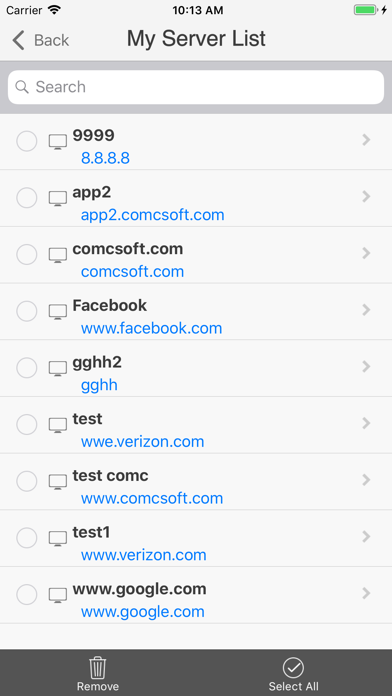
Beyond its raw technical capabilities, the iNetTools - Ping,DNS,Port Scan utility is built for practical, everyday workflows. It features a "Server List" where you can save frequently targeted hostnames and IP addresses, saving you from repetitive typing during routine checks. Additionally, the "Recent Tasks" feature logs your latest executions, allowing you to re-run complex queries with a single tap. The clean, straightforward interface ensures that you do not have to fight with complex menus when a network emergency strikes.
Is iNetTools Right for You?
Whether you are managing a corporate network or simply trying to figure out why your home Wi-Fi is lagging, this universal iOS app delivers the clarity you need. It runs seamlessly on both iPhone and iPad, adapting to your screen size to show detailed diagnostic readouts clearly. If you want to streamline your mobile troubleshooting workflow, you can find more details and download the app directly on the Apple App Store.
Rate the App
User Reviews













Popular Apps









Editor's Choice