

Latest Version
Shrishail Rana
Tools
Mac
$9.99
916683896
Report a Problem
More About Tweak and Tuneup
If you have ever noticed your Mac slowing down or warning you about a lack of storage, you are not alone. Over time, every system accumulates digital clutter that degrades performance. Tweak and Tuneup Mac disk cleanup is designed to address this exact issue, offering an automated suite of tools to refresh your computer's performance without requiring manual file hunting.
What is Tweak and Tuneup?
Developed by Shrishail Rana, Tweak and Tuneup is a dedicated utility categorized under system tools for the Mac platform. Instead of forcing users to dig through hidden system folders to find temporary files, this application consolidates several maintenance tasks into a streamlined, user-friendly interface. It aims to restore disk space and maintain system health with minimal user intervention.
Key Features and Real-World Utility
The application approaches system maintenance from three distinct angles: automated cleaning, performance optimization, and manual privacy control.
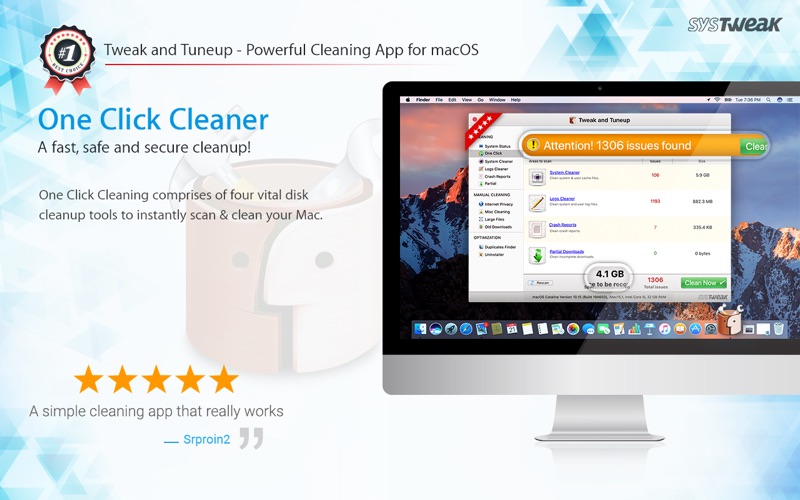
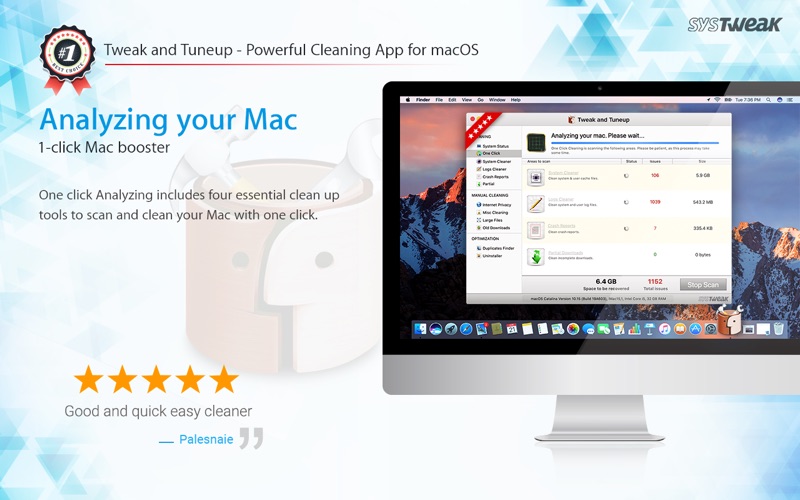
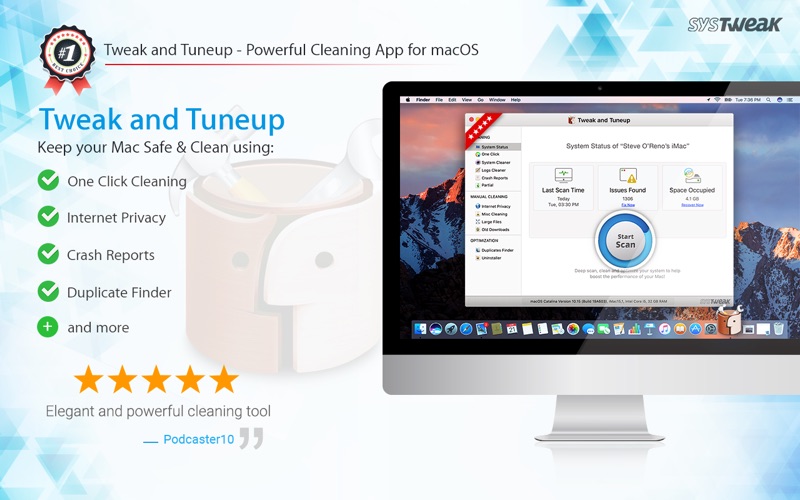
- Effortless One-Click Cleaning: This module targets four primary areas where redundant data accumulates: user cache files, system log files, crash reports, and incomplete downloads. Clearing these can instantly release gigabytes of invaluable disk space.
- System Optimization Tools: To keep your Mac running smoothly, the app includes an uninstaller tool that lets you drag-and-drop applications to remove them completely, alongside tools to identify and manage duplicate data.
- Manual Cleaning and Privacy: For users who want more control, the app features dedicated tools to clear internet history, empty trash files, and locate large or old downloads that are quietly hoarding your local storage.
Who is This Utility For?
This software is ideal for everyday Mac users who want a quick, dependable way to manage their storage without risking the accidental deletion of critical system files. Its straightforward interface makes it highly accessible for non-technical users who prefer a hands-off approach to system maintenance, while still offering granular tools for those who want to review large files manually.
Final Verdict
If you want to keep your Mac running efficiently without spending hours managing folders, this utility offers a practical, all-in-one solution. To learn more or to purchase the utility, visit the official Mac App Store page today.
Rate the App
User Reviews















Popular Apps









Editor's Choice